
Moving a candidate through the pipeline
As you evaluate candidates, you will move them through the stages of your hiring pipeline. Kabuna gives you two ways to do this.
Drag and drop on the kanban board
- Open the job and go to the Pipeline view.
- Find the candidate’s card in their current stage column.
- Drag the card and drop it into the stage you want to move them to.
That is it. The move is saved immediately.
Using the stage dropdown on a candidate profile
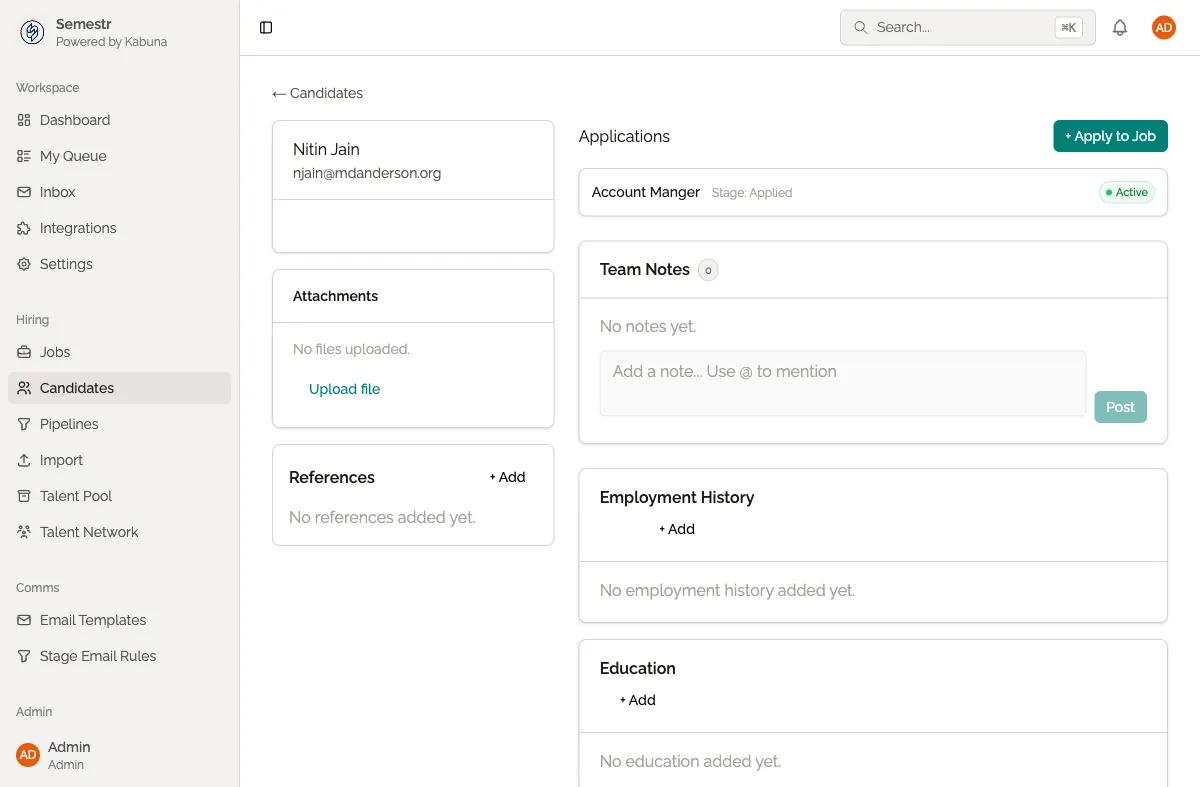
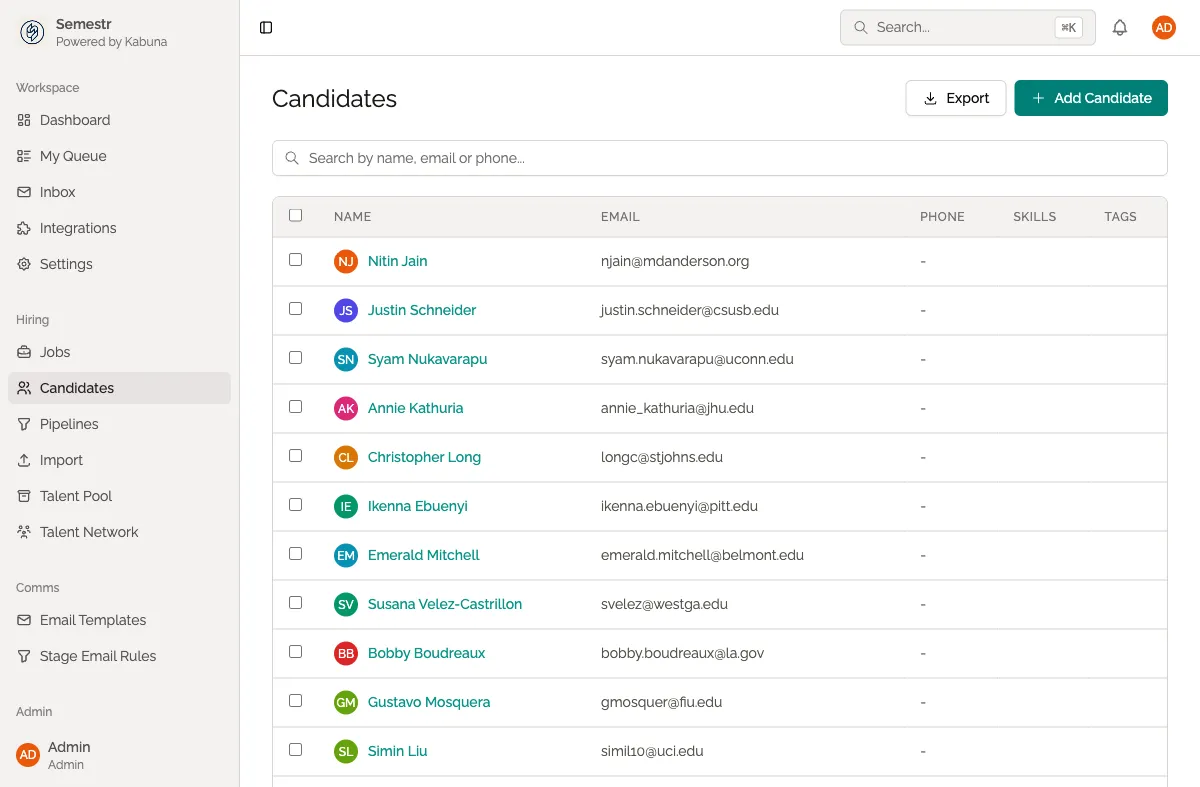
- Open the candidate’s profile (click their name anywhere in Kabuna).
- Find the Stage dropdown near the top of the profile.
- Select the new stage from the dropdown.
- The candidate is moved right away.
Moving candidates forward or backward
You can move candidates in any direction. Need to bring someone back to an earlier stage for another round? Just drag them or use the dropdown. There is no restriction on direction.
What gets logged
Every stage change is recorded in the candidate’s activity history. The log includes:
- Which stage they moved from and to
- Who made the move
- When it happened
This gives your team a clear record of each candidate’s journey through the process.
Moving multiple candidates at once
On the pipeline view, you can select multiple candidate cards using the checkboxes, then use the Move action in the bulk toolbar to move them all to a new stage in one go.
Related
- See the full timeline of changes in Viewing candidate history.
- Ready to pass on a candidate? See Rejecting a candidate.