
Revisiting rejected candidates
Sometimes a candidate who was not right for one role turns out to be a great fit for another, or circumstances change. Kabuna makes it easy to bring rejected candidates back into the pipeline.
Finding rejected candidates
There are a few ways to find someone who was previously rejected:
From the job pipeline:
- Open the job the candidate was rejected from.
- Toggle the Show rejected filter at the top of the pipeline view.
- Rejected candidates appear in a separate section or with a visual indicator.
From the global Candidates page:
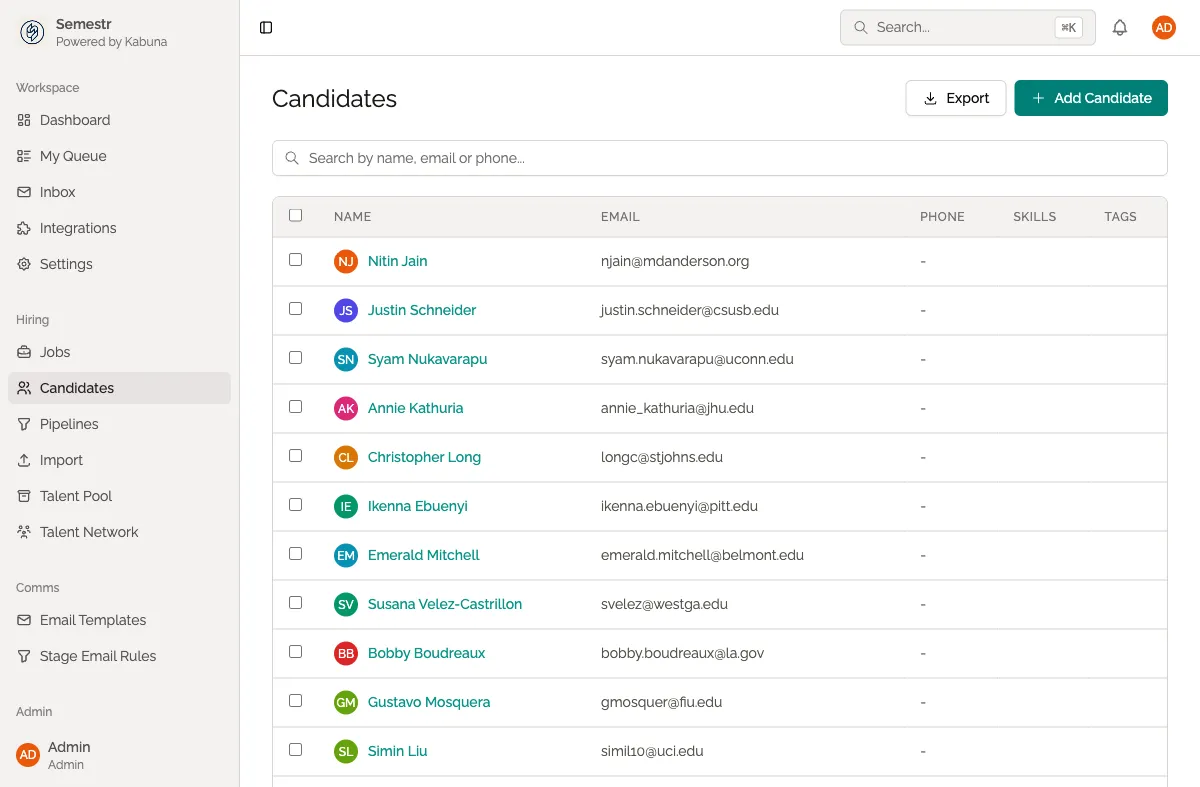
- Go to Candidates in the main navigation.
- Use the Status filter and select Rejected.
- Browse or search for the candidate you are looking for.
Using search:
You can also use the global search bar at the top of Kabuna to find any candidate by name or email, including rejected ones.
Restoring a rejected candidate
- Open the rejected candidate’s profile.
- Click Unreject or Restore (the button appears when viewing a rejected candidate).
- Choose which stage to place them back into.
- Click Confirm.
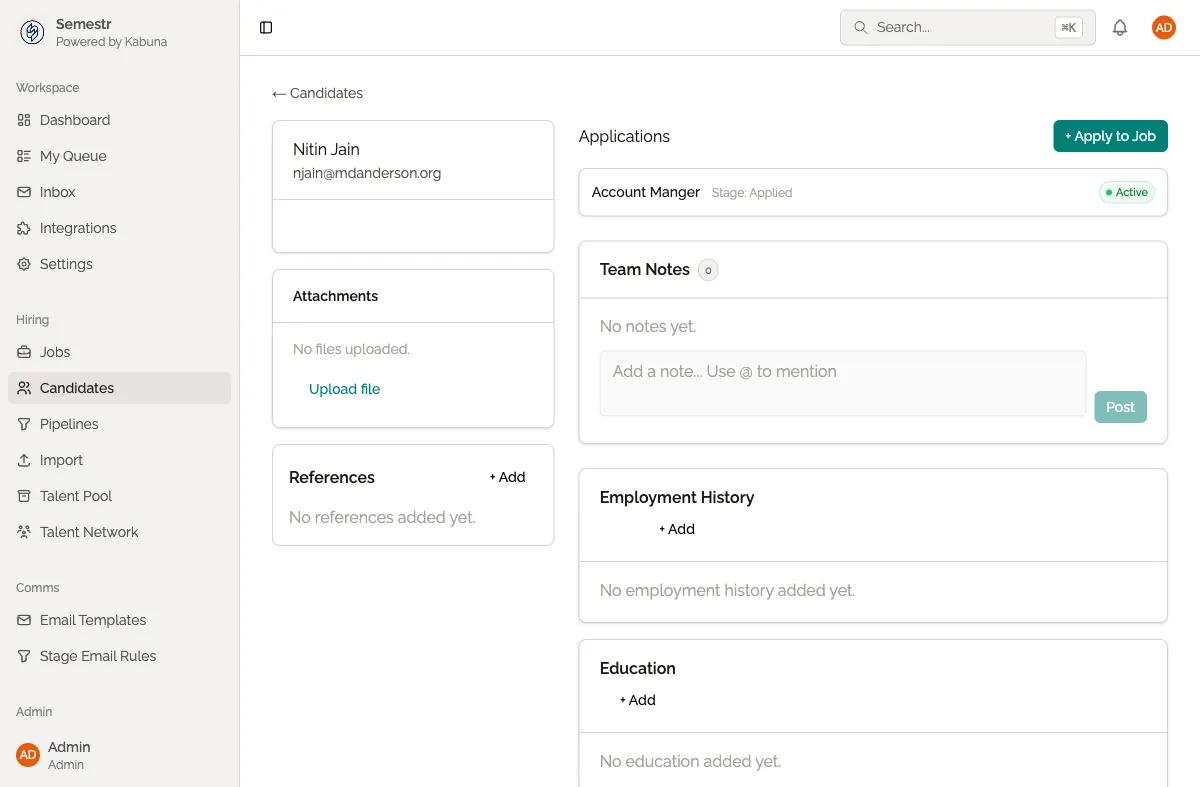
The candidate is moved back into the active pipeline at the stage you chose. Their previous history, feedback, scorecards, and files are all still there, so your team has full context.
Adding rejected candidates to the Talent Network
If a rejected candidate might be a good fit for future roles but not right now, consider adding them to your Talent Network instead of leaving them in a rejected state. The Talent Network lets you build a pool of potential candidates you can come back to later.
See Talent Network for more on how this works.
Related
- Learn how rejecting a candidate works in the first place.
- See the full picture in a candidate’s activity history.