
Assigning candidate ownership
Every candidate in Kabuna can have an owner — the team member who is the primary point of contact and responsible for moving that candidate through the process.
How to assign an owner
- Open the candidate’s profile.
- Click the Owner field in the candidate details panel.
- Select a team member from the dropdown.
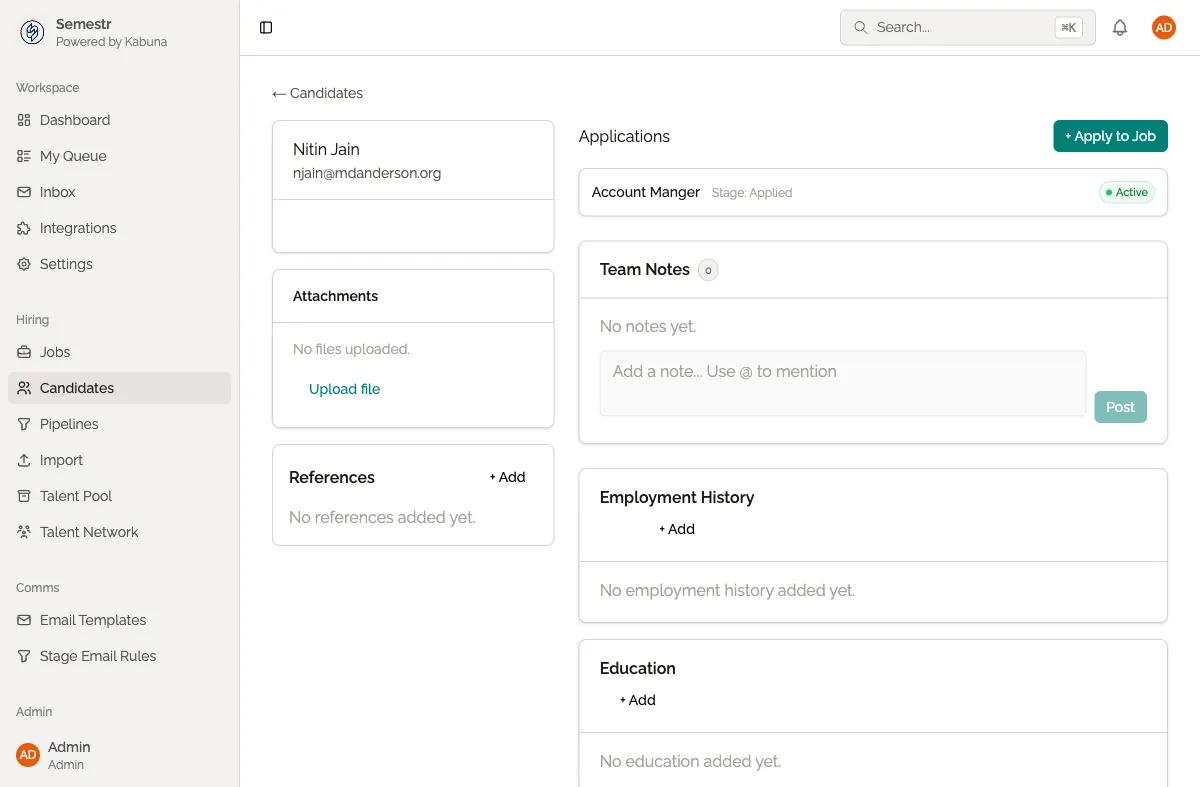
The selected person is now the candidate’s owner. They will receive notifications for all activity on that candidate, including new comments, stage changes, and incoming emails.
Reassigning ownership
Ownership can be changed at any time. Open the candidate profile, click the current owner’s name in the Owner field, and select a different team member. The previous owner stops receiving automatic notifications for that candidate.
What the owner is responsible for
The owner is typically the recruiter or coordinator managing the candidate. Their responsibilities usually include:
- Scheduling interviews and keeping the process moving.
- Responding to candidate emails.
- Updating the candidate’s stage in the pipeline.
- Making sure scorecards and feedback are collected after interviews.
Using My Queue
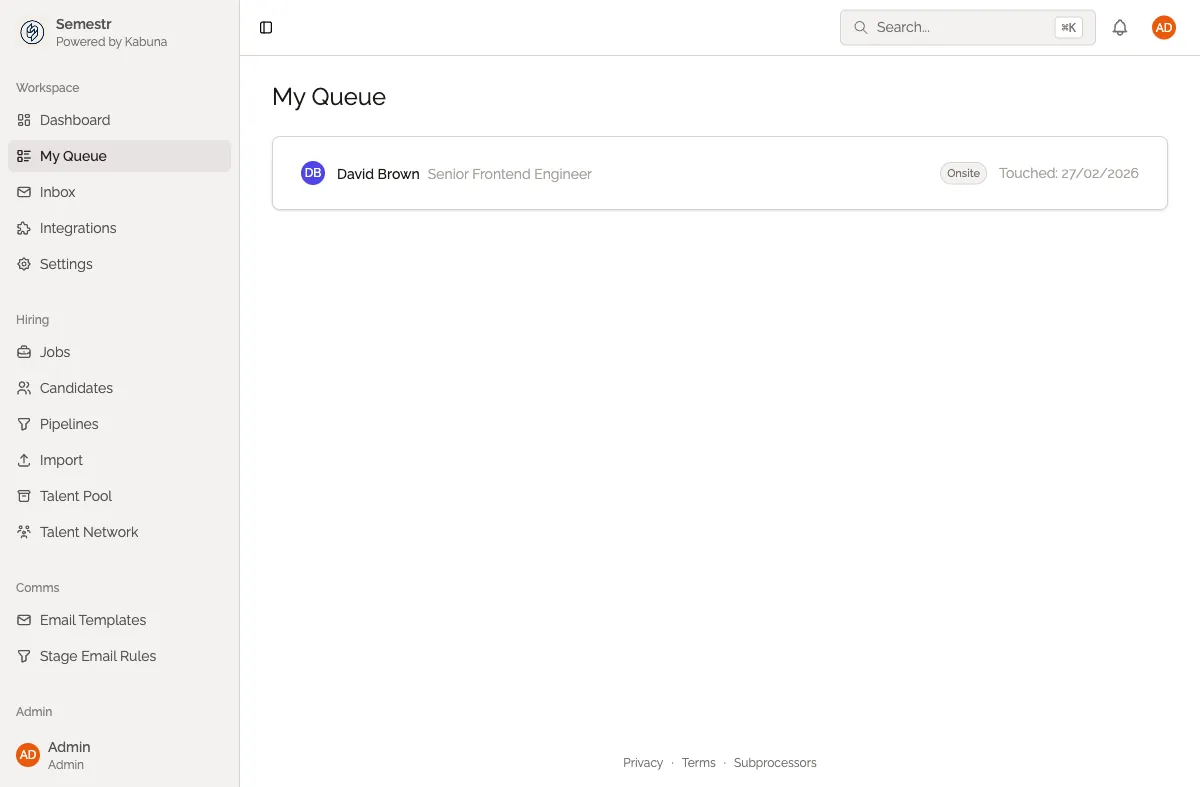
The My Queue view shows you all the candidates you currently own, organized by stage. Use it to keep track of your active candidates and make sure nobody falls through the cracks.
- Click My Queue in the left sidebar.
- Review your candidates grouped by their current stage.
- Click any candidate to open their profile.
Related
- Leaving comments — communicate with your team about a candidate.
- Scorecards and interview feedback — collect structured feedback from interviewers.