
Talent Network
The Talent Network is a database of candidates who are not tied to a specific job. Think of it as your bench — people you want to keep track of for future roles.
Why use the Talent Network
Not every good candidate is right for a role today. The Talent Network lets you hold on to promising people so you can reach out when the right opportunity comes along, instead of starting every search from scratch.
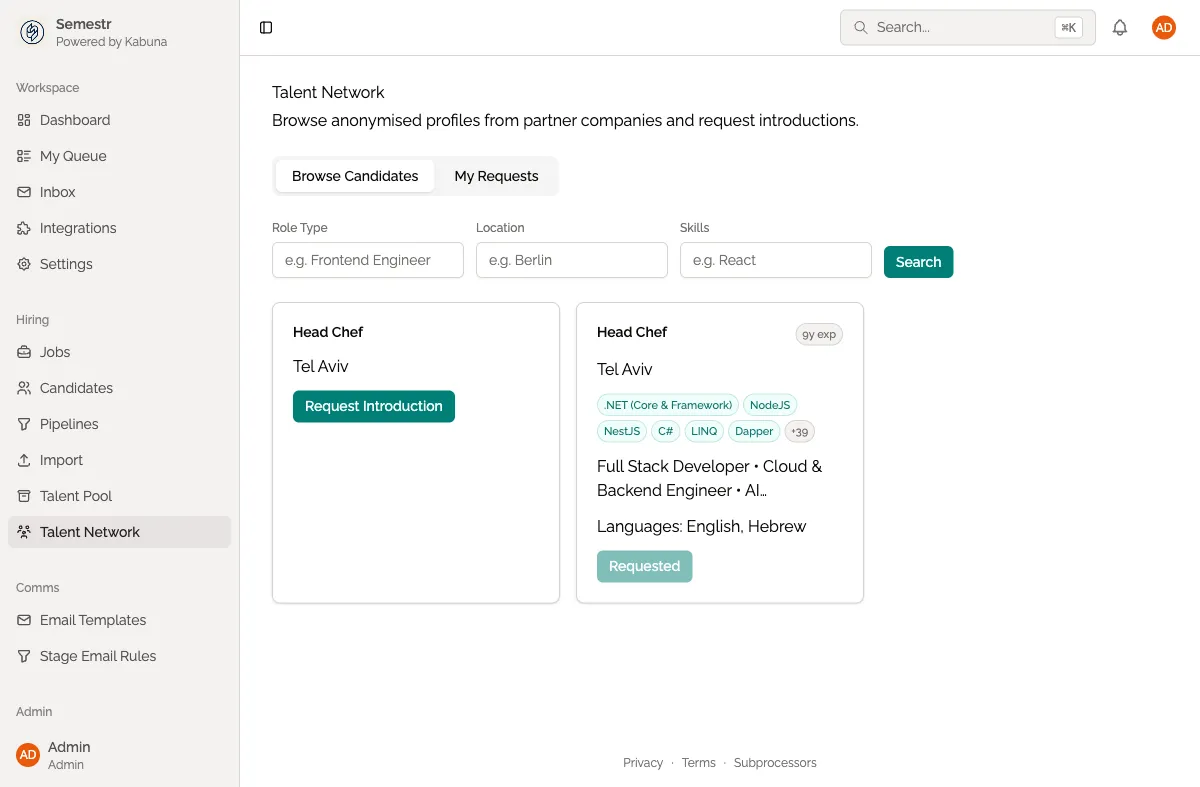
Adding candidates to the Talent Network
There are several ways to build up your Talent Network:
- From rejected pools — when you reject a candidate who has potential for a future role, move them to the Talent Network instead of losing track of them. See Revisiting rejected candidates for more detail.
- External sourcing — add candidates you find on LinkedIn, job boards, or elsewhere by creating a new profile directly in the Talent Network.
- Referrals — when a team member refers someone but there is no open role yet, add them here.
Searching your Talent Network
When a new role opens up, search the Talent Network before sourcing externally:
- Open the Talent Network from the main navigation.
- Use the search bar to find candidates by name or keywords.
- Filter by skills, tags, or other attributes to narrow results.
To make searching easier, keep your candidate profiles well-tagged. See Adding tags for how to organise candidates with tags.
Moving candidates into a job pipeline
When you find someone in the Talent Network who fits an open role:
- Open the candidate’s profile.
- Click Add to Job.
- Select the job and the starting stage.
- The candidate now appears in that job’s pipeline and you can proceed with the normal hiring workflow.