
Careers page
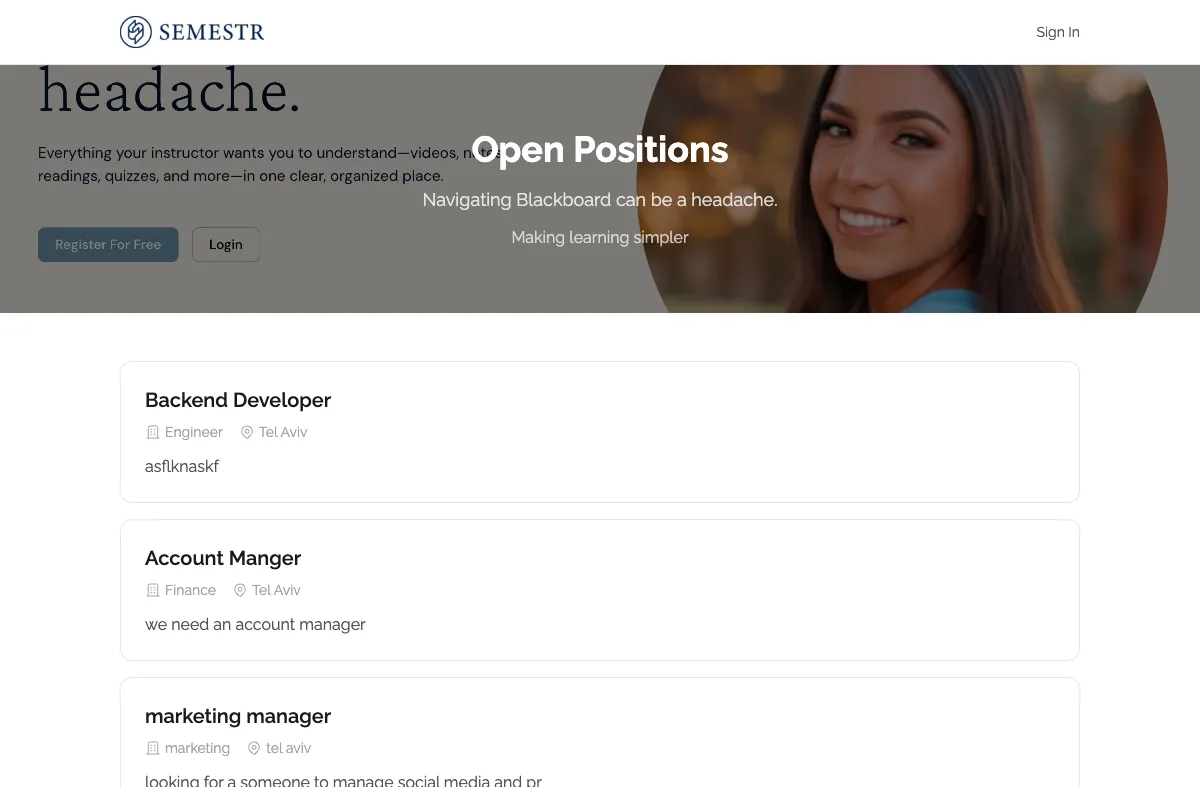
Every organisation in Kabuna gets a public careers page where candidates can browse your open roles and apply directly.
Your careers page URL
Your careers page lives at {slug}.kabuna.io, where {slug} is your organisation’s unique identifier. For example, if your organisation slug is acme, your careers page is at acme.kabuna.io.
How it works
- Published jobs appear automatically. When you publish a job in Kabuna, it shows up on your careers page. When you close or unpublish a job, it disappears. No manual updating needed.
- Candidates apply directly. Each job listing has an Apply button. Candidates fill out the application form and their submission lands straight in your pipeline, ready for review.
- Mobile-friendly. The careers page is fully responsive, so candidates can browse and apply from any device.
Customising your careers page
You can brand your careers page to match your company:
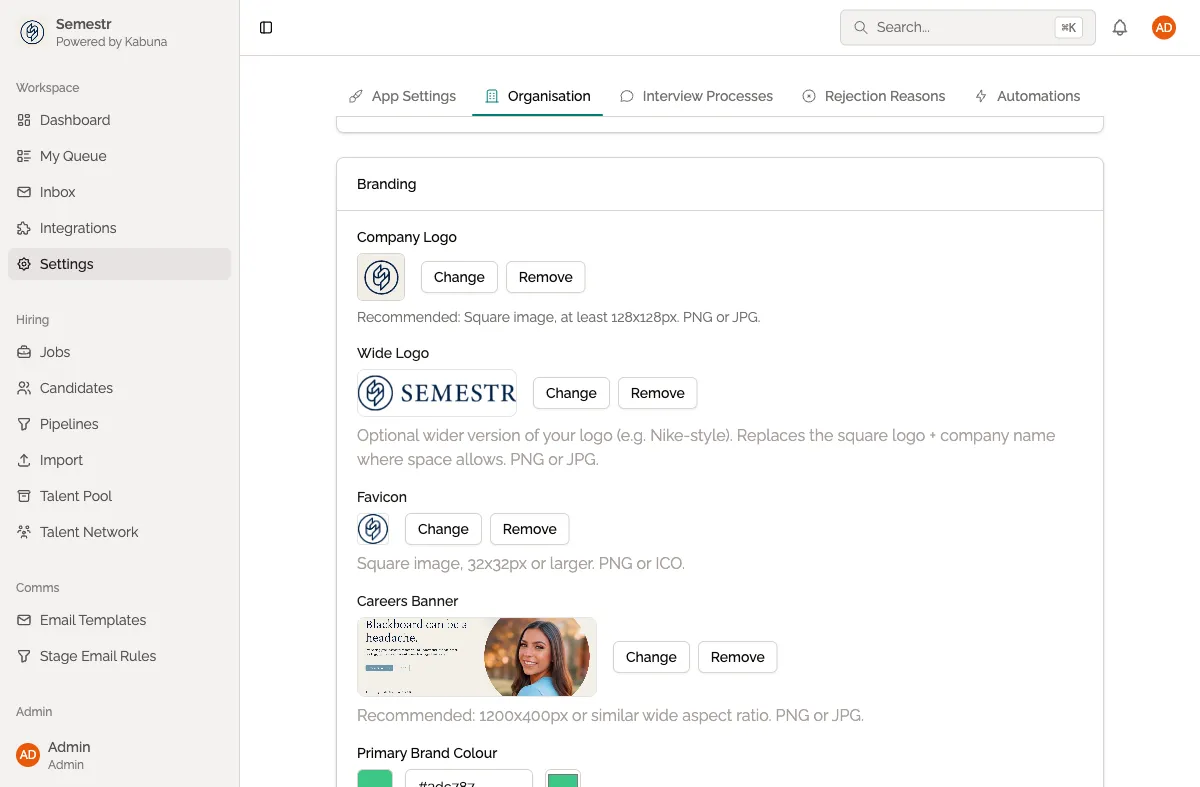
- Go to Settings > Organisation.
- Upload your company logo.
- Set your brand colours.
- Save your changes — they take effect on the careers page immediately.
Related pages
- Creating a new job — learn how to publish a job that will appear on your careers page.
- Setting up your organisation — configure your organisation details, logo, and branding.