
Setting up your organisation
When you sign up at app.kabuna.io, Kabuna walks you through a short onboarding flow to set up your organisation. Here is what to expect.
Creating your organisation
- Go to app.kabuna.io and sign up with your email address.
- Enter your organisation name — this is the name your team will see throughout Kabuna.
- Choose an organisation slug. This becomes part of your public careers page URL:
{slug}.kabuna.io. Pick something short and recognisable, like your company name. - Upload your company logo. It appears on your careers page, in emails to candidates, and in the Kabuna sidebar.
- Set your timezone. Kabuna uses this for scheduling, notifications, and displaying timestamps.
Your careers page
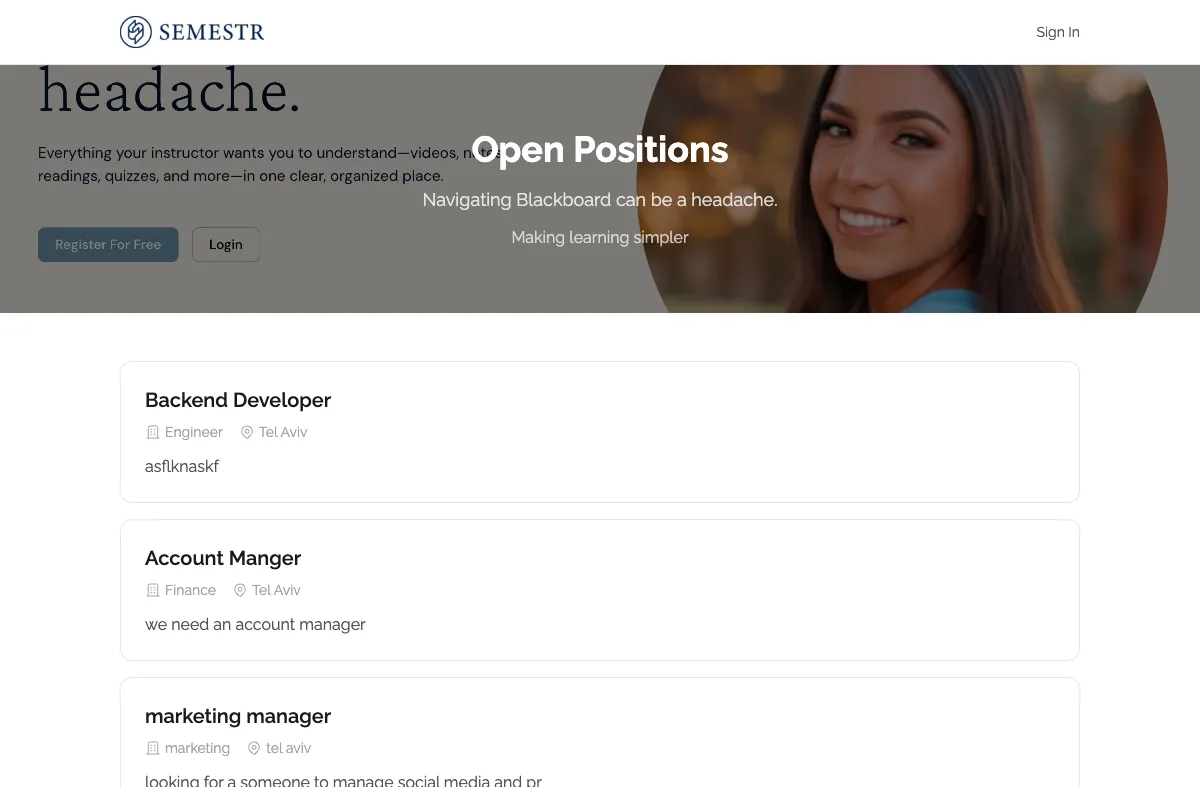
As soon as your organisation is created, you get a public careers page at {slug}.kabuna.io. Any jobs you publish will appear there automatically. You can customise the look of this page later in your organisation settings.
Changing these settings later
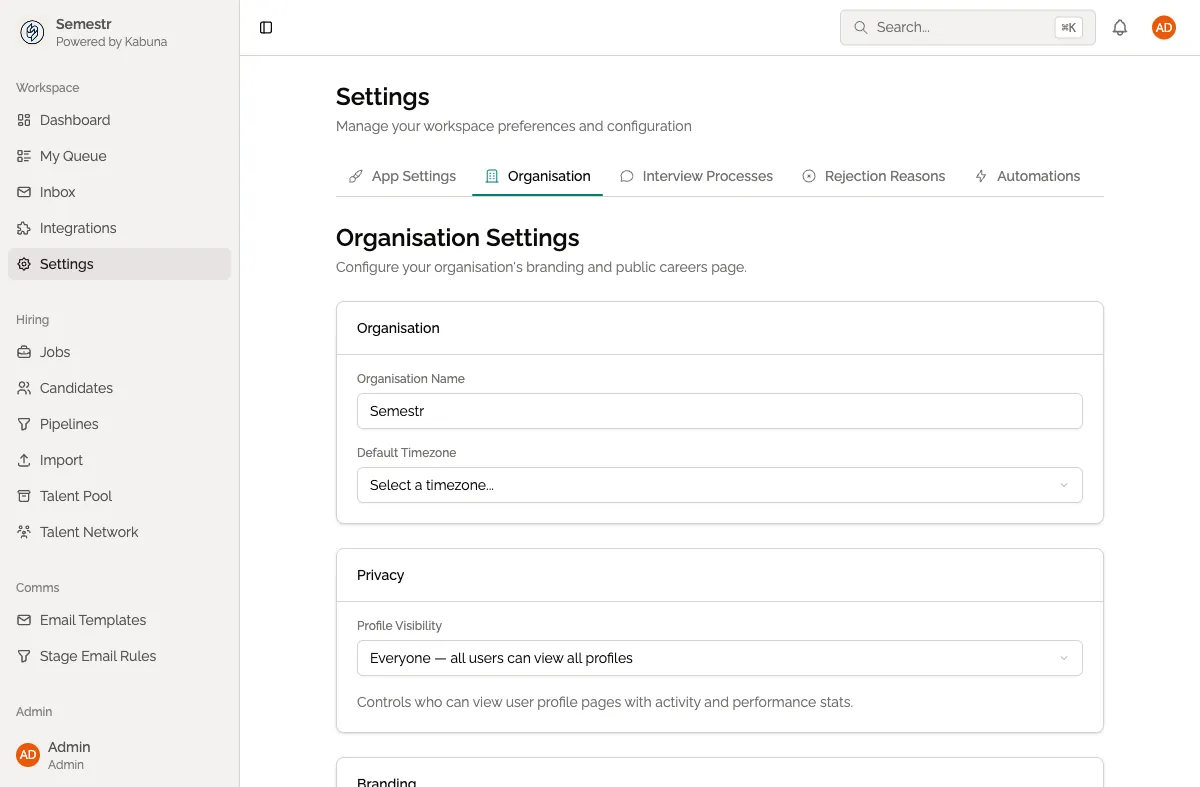
You can update your organisation name, logo, slug, and timezone at any time from Settings > Organisation.
Next step
Now that your workspace is ready, invite your team so you can start hiring together.