
Interview scheduling
Kabuna lets you schedule interviews directly from a candidate’s profile. Interviewers and candidates get calendar invites, and upcoming interviews show on your dashboard.
Scheduling an interview
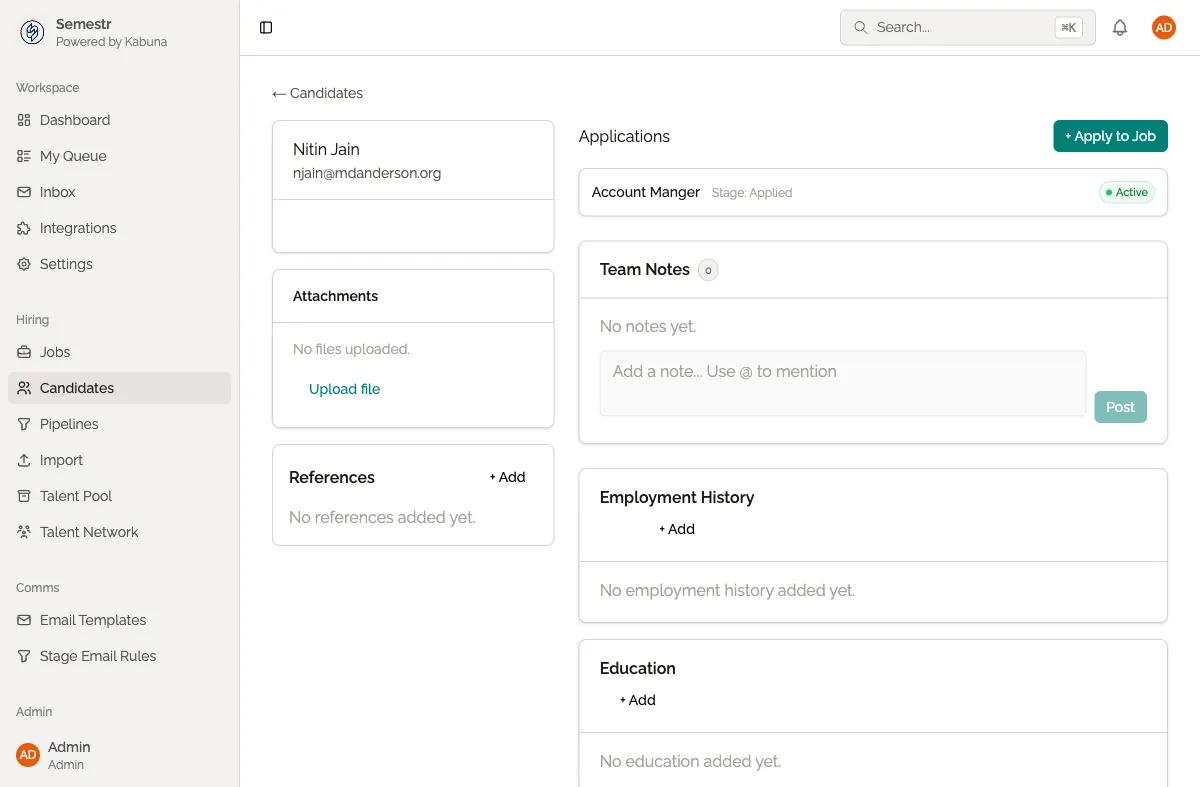
- Open the candidate’s profile.
- Click Schedule Interview.
- Set the date, time, and duration.
- Add one or more interviewers from your team.
- Optionally add a location or video call link.
- Click Send to confirm.
The candidate and all interviewers receive calendar invites by email. The interview also appears in Kabuna on the Dashboard under upcoming interviews.
Managing scheduled interviews
You can view and manage interviews from the candidate’s profile:
- Reschedule — click the interview and update the date or time. Updated invites are sent automatically.
- Cancel — remove the interview. Cancellation notices are sent to everyone.
- Add or remove interviewers — update the interviewer list and new invites are sent accordingly.
After the interview
Once the interview is complete, interviewers can submit their feedback directly in Kabuna. This keeps all evaluations in one place and makes it easy for the hiring team to review.
For more on how feedback works, see Scorecards and interview feedback.