
My Queue
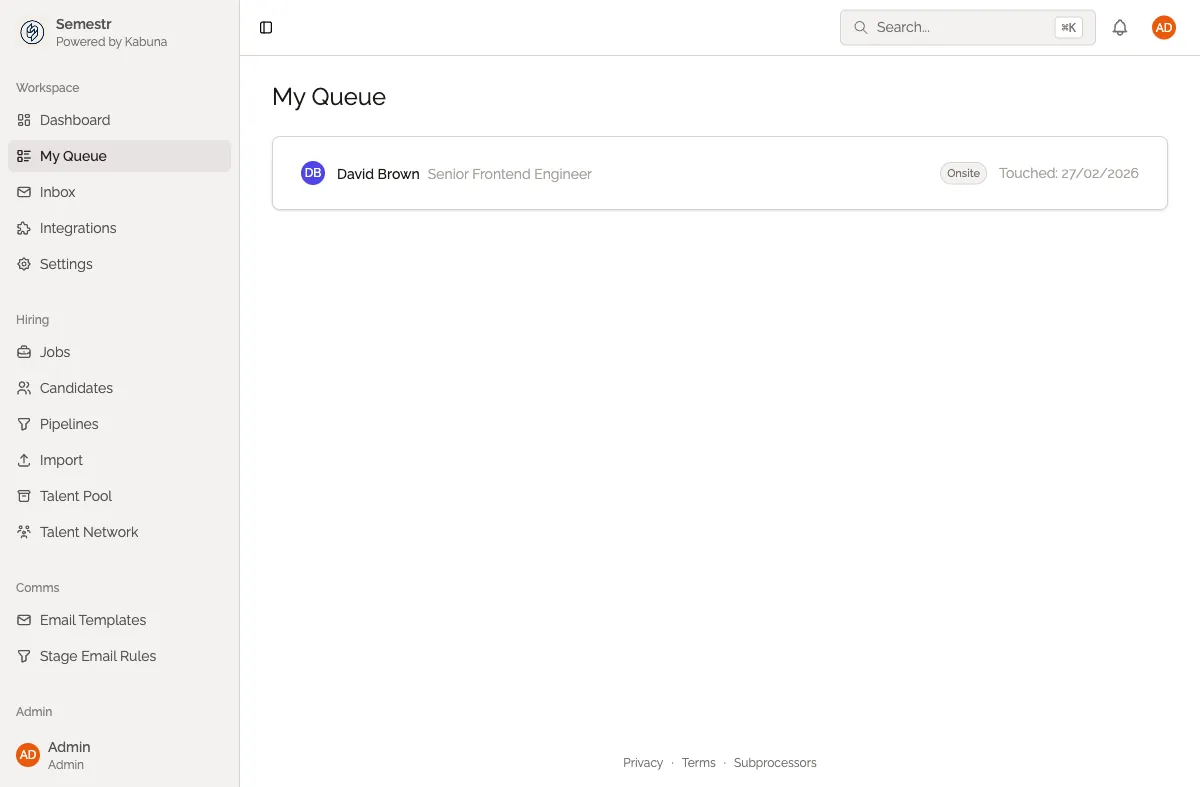
My Queue shows all the candidates where you are the assigned owner. It is your personal to-do list for hiring.
What My Queue shows you
Every candidate assigned to you appears here, grouped so you can quickly see who needs attention. At a glance you will know:
- Which candidates have pending feedback waiting to be reviewed.
- Who is waiting for a response from you or the candidate.
- Which candidates are due for a stage move based on where they are in the pipeline.
Filtering your queue
Use the filters at the top to narrow things down:
- Filter by job — select a specific job to see only those candidates.
- Filter by stage — focus on candidates at a particular pipeline stage, such as Phone Screen or Interview.
Taking action
Click any candidate in your queue to open their full profile. From there you can review their application, leave feedback, move them to the next stage, or schedule an interview.
My Queue works hand-in-hand with the Dashboard — the dashboard gives you the big picture across all jobs, while My Queue focuses on your personal workload. To learn more about how candidate ownership works, see Assigning candidate ownership.