
How email threads are logged
Kabuna keeps a complete record of every email conversation with a candidate. Sent messages, replies, and follow-ups are all logged on the candidate’s profile so your team has full context.
What gets logged
- Every email you send from Kabuna (whether from your connected Google mailbox or the shared mailbox).
- Every reply a candidate sends back.
- Follow-up messages in the same thread.
All of these appear in the candidate’s activity feed, in chronological order.
How thread matching works
When a candidate replies to an email, Kabuna matches the reply to the original thread using standard email headers (In-Reply-To and References). This means:
- Replies show up as part of the same conversation, not as separate entries.
- You can follow the back-and-forth in one place.
- Thread matching works regardless of whether the candidate replies from Gmail, Outlook, or any other email client.
Connected Google mailbox sync
If you’ve connected your Google mailbox, Kabuna syncs both directions:
- Sent messages — emails you send through Kabuna also appear in your Gmail Sent folder.
- Received messages — replies from candidates are pulled from your Gmail into Kabuna automatically.
This two-way sync means you don’t need to check two places. Everything ends up on the candidate’s profile.
Shared mailbox logging
If you use the shared mailbox, all team members can see the conversation. Replies to the shared address are logged on the candidate’s profile and visible to everyone.
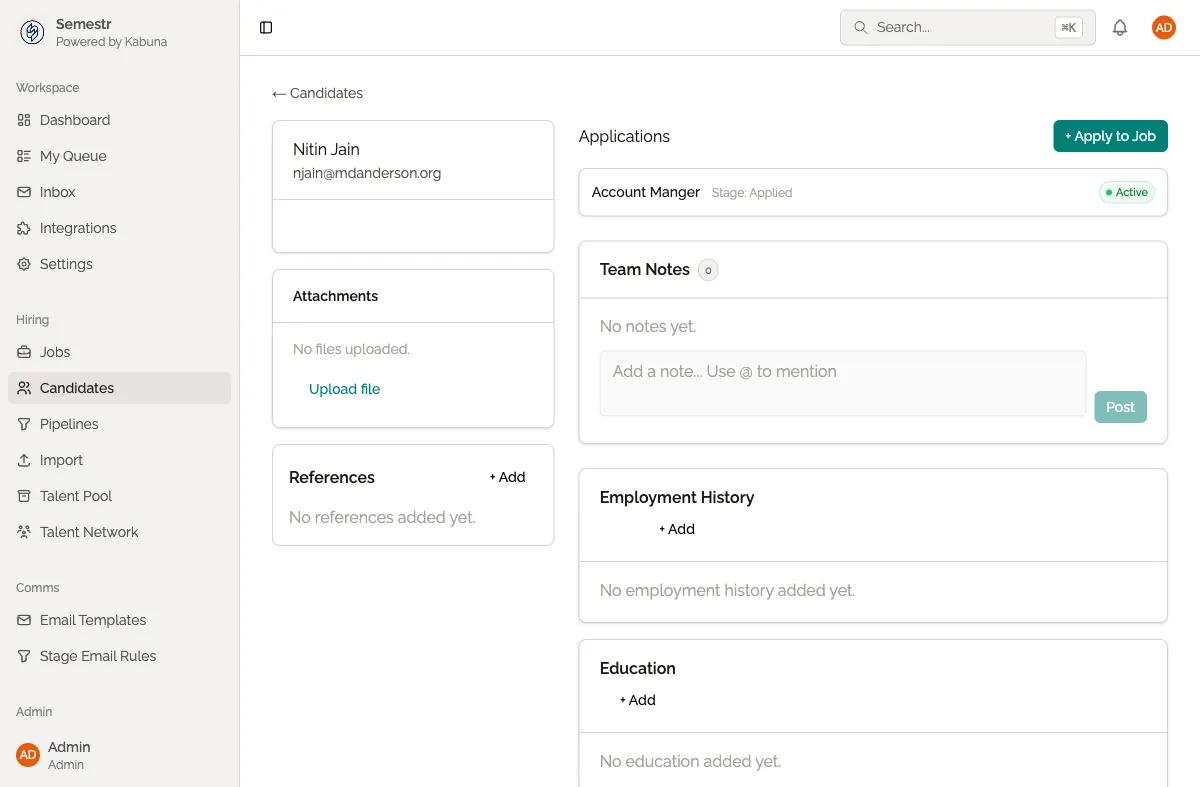
Viewing the email history
- Open a candidate’s profile.
- Look at the Activity feed.
- Email messages are shown inline with other activity (notes, stage changes, etc.).
- Click on an email to expand the full message.
Things to know
- Emails are matched to candidates by their email address. If a candidate has multiple email addresses, make sure the right one is on their profile.
- If a reply can’t be matched to an existing thread (for example, if the candidate starts a new email instead of replying), it may appear as a separate entry.
- Deleted emails in your Gmail are not removed from Kabuna. The record in Kabuna is permanent.
Related pages
- Connecting your Google mailbox — enable two-way sync
- Sending emails to candidates — how to compose and send
- Using the shared mailbox — the built-in shared address