
Using the shared mailbox
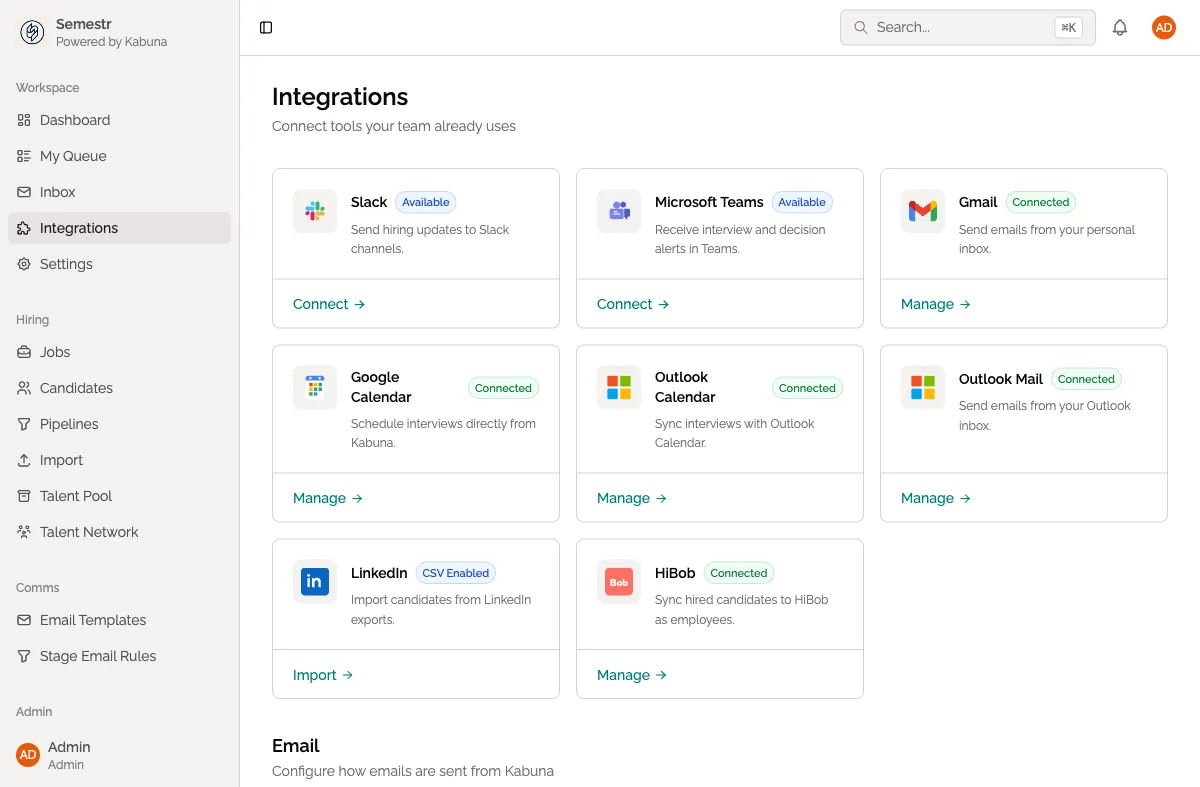
Every organisation in Kabuna gets a shared mailbox automatically. This is a built-in email address that your whole team can use to communicate with candidates — no setup required.
Your shared mailbox address
Your shared mailbox address follows this format:
hiring@{slug}.kabuna.ioThe {slug} part is your organisation’s unique identifier. For example, if your org slug is acme, your shared mailbox is hiring@acme.kabuna.io.
When the shared mailbox is used
The shared mailbox is the default sender in two situations:
- You haven’t connected your Google mailbox yet.
- You’ve disconnected your personal mailbox.
If you have a connected Google mailbox, emails go out from your personal address instead.
How the shared mailbox works
- Emails sent from the shared mailbox show your organisation name as the sender.
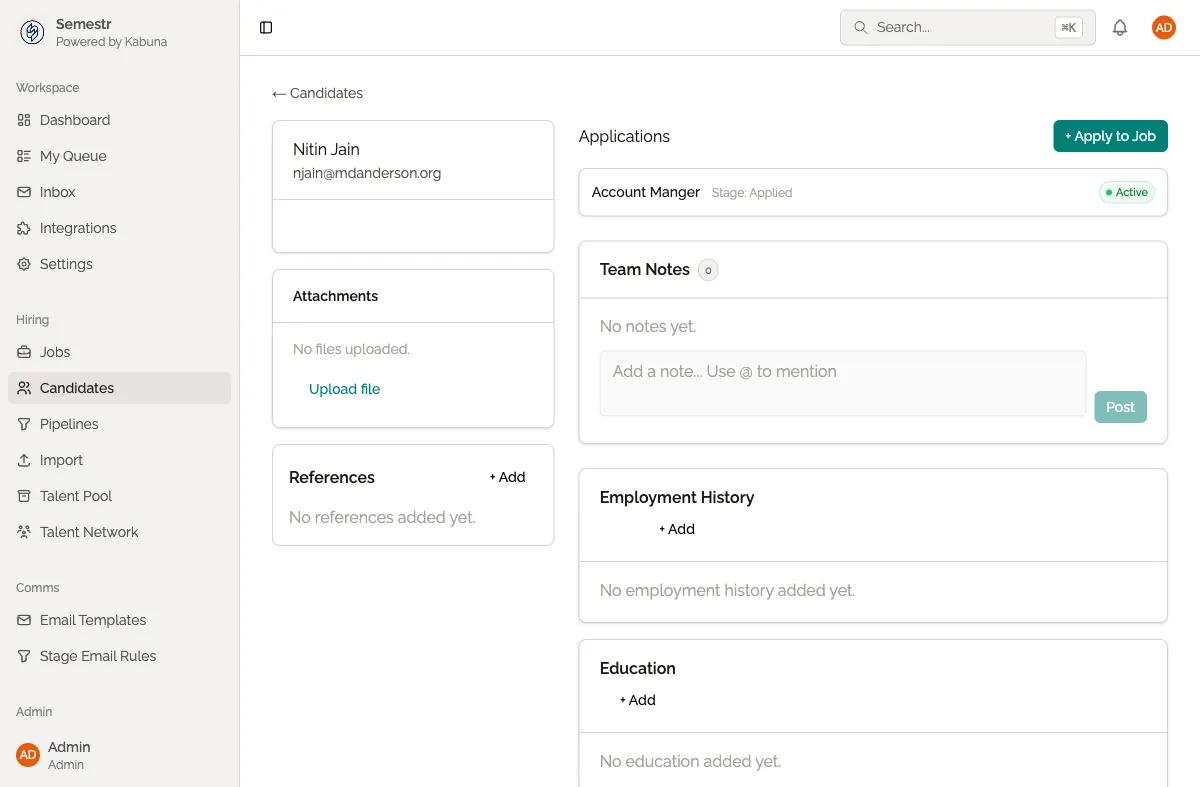
- All team members can see emails sent from the shared mailbox on a candidate’s profile.
- When a candidate replies to a shared mailbox email, the reply is logged on their profile and visible to everyone on the team.
Things to know
- The shared mailbox is always available. You don’t need to set it up or configure anything.
- Because replies go to a shared address, any team member can pick up the conversation.
- If you want candidates to see your personal name and email address, connect your Google mailbox instead.
Related pages
- Connecting your Google mailbox — send emails from your own address instead
- Sending emails to candidates
- How email threads are logged